Desktop Pet
A downloadable game for Windows
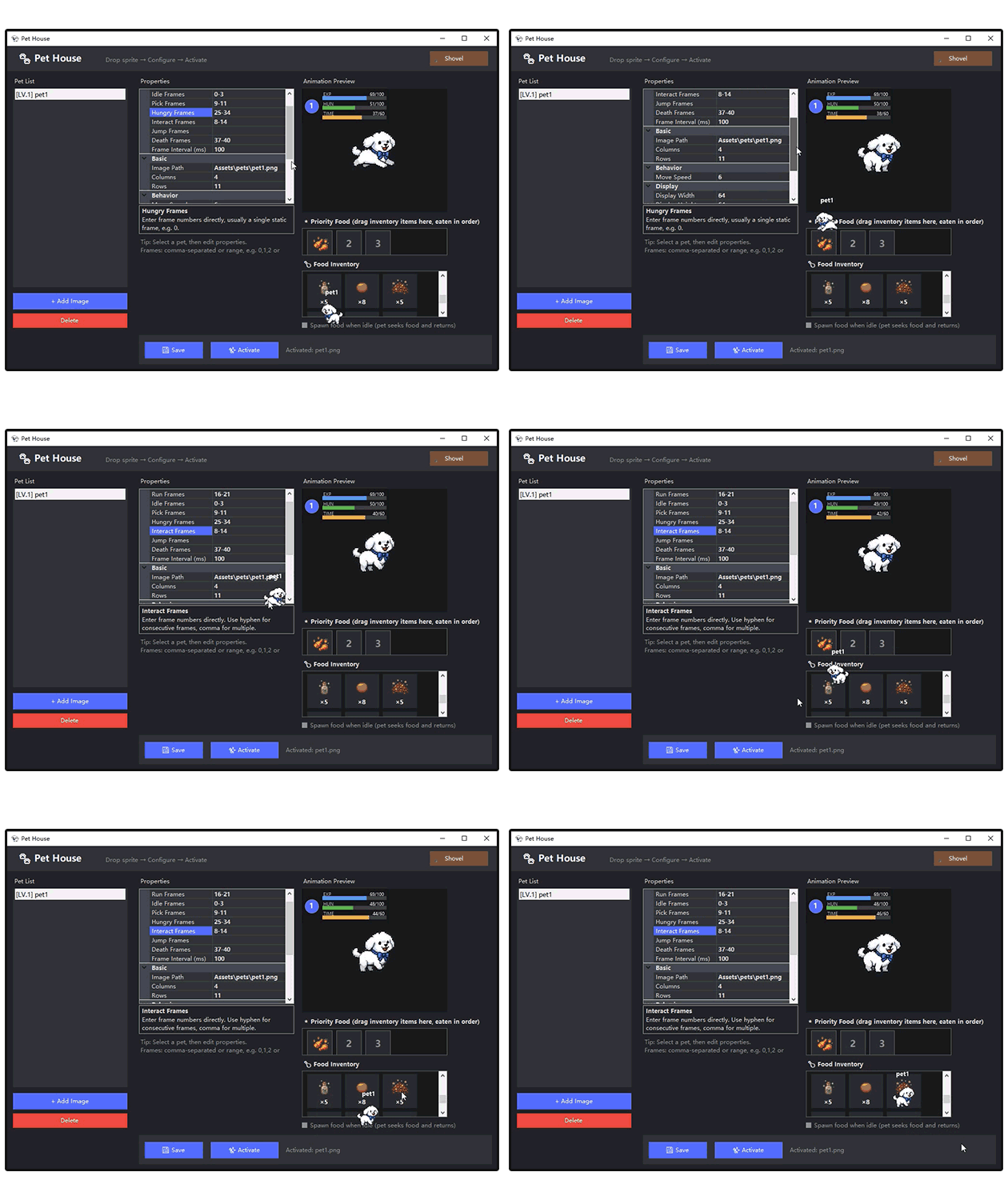
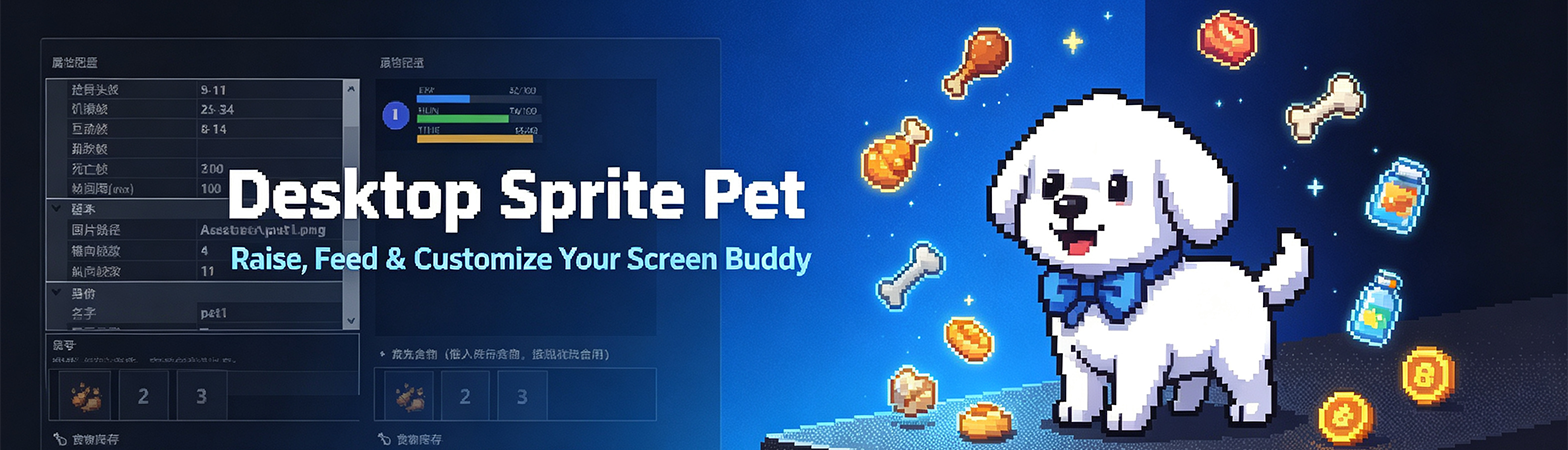
A fully customizable pixel desktop pet companion that lives on your Windows screen! Raise, feed, and interact with your personal sprite buddy. Free version available, unlock full mining & custom sprite imports with the premium edition.
Desktop Sprite Pet
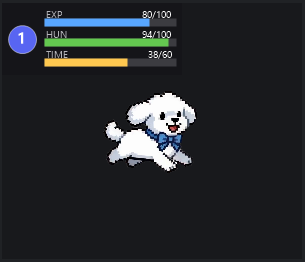
Your own living pixel companion stays on your desktop while you work, browse, and play games! Fully interactive, with level-up progression, hunger mechanics, idle animations, and tons of personalization options.
Free Version Features (No Cost)
All base pet life & interaction systems are unlocked completely free:
Custom pet name, color & display toggle
Automatic hunger decay & hungry trigger animations
Level-up system with scaling hunger values
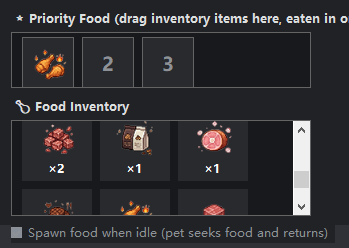
Random food spawns on screen for your pet to collect
Mouse follow active mode, idle resting behavior
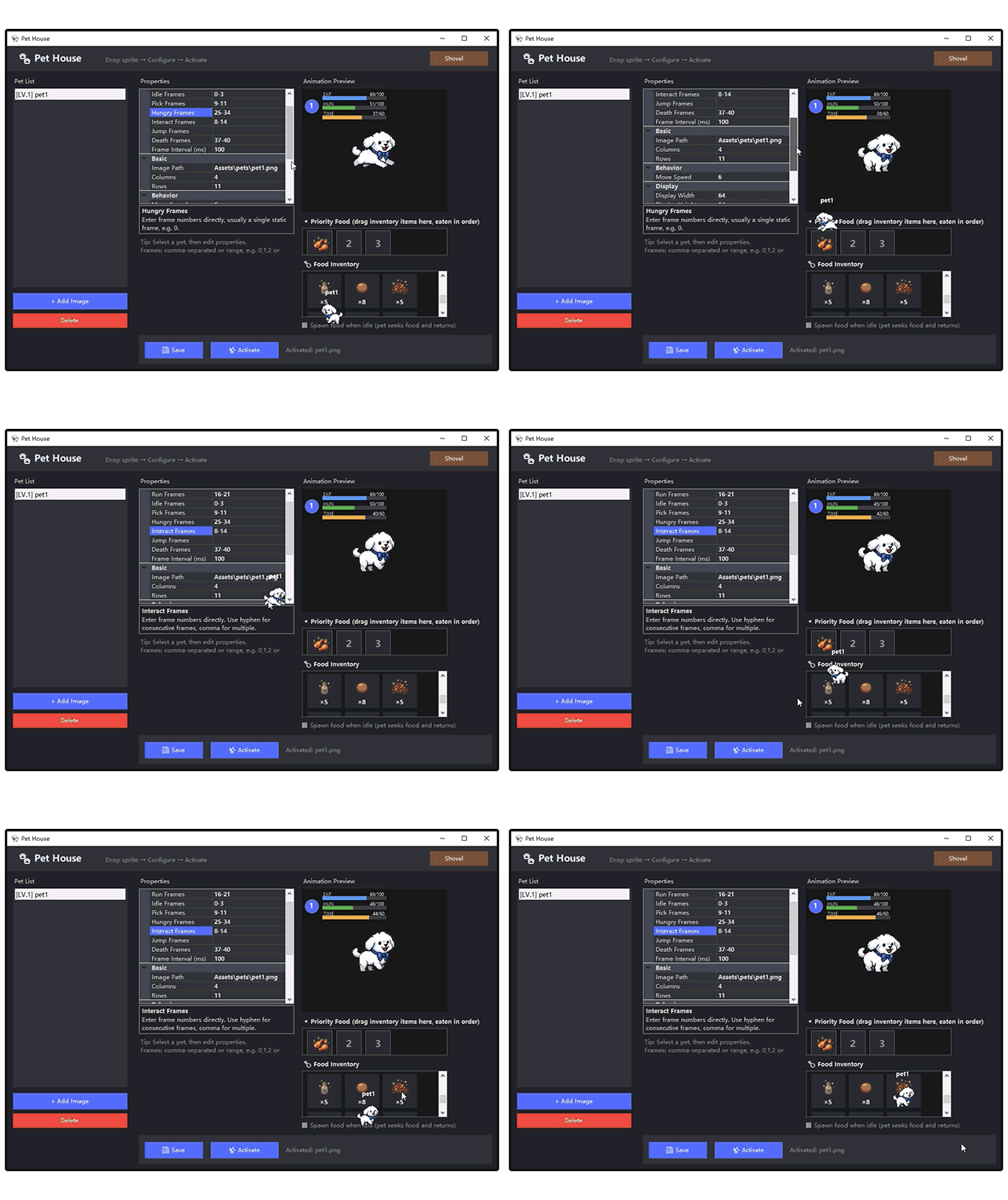
CTRL hold interaction, right-click property panel
Click-through window mode, startup-on-boot toggle
Dual-language UI switch support
Basic pet animations & bottom screen resting logic
Free Version Limitations
❌ Mining Mode locked (cannot mine screen resources)
❌ Custom sprite image import & pet replacement feature removed
Unlock all restricted content + unlimited customization:
✅ Full Mining Mode enabled
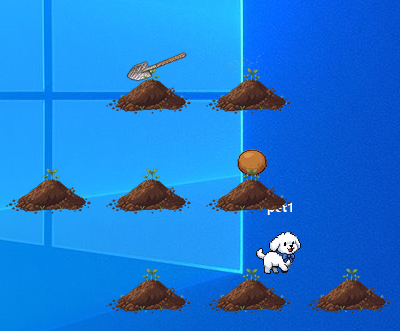
Mine unlimited random resources directly from your desktop screen, including:
Pet food, revival coins, and experience potions to speed up your pet’s growth.
✅ Custom Sprite Import System
Drag-and-drop your own sprite sheets to create fully unique desktop pets; adjust row, column, pixel size, and custom animation frames for your original character art.
✅ No feature locks — all settings, tools and resource spawns fully accessible
✅ Future free content updates (new animations, extra items)
Core Game & Interaction Mechanics
Pet Growth System
Every level up raises your pet’s maximum hunger value and slows hunger drain over time.
Simple Controls
Hold CTRL + single click: interact with your pet
Hold CTRL + double right-click: open property settings panel
Single click pet: activate mouse follow tracking
Window Utility Tools
Toggle click-through mode to click behind your pet without moving it, auto-start the app when Windows boots, and switch between two interface languages instantly.
Idle & Active Behavior
Your pet wanders to collect randomly spawning food automatically. When finished eating or exploring, it returns to the screen’s bottom-right corner to idle and rest. Adjust cursor follow speed freely in settings.
System Requirements
OS: Windows 10 / Windows 11 only
Lightweight tiny program, no heavy RAM/CPU usage
No external dependencies required
Download
Click download now to get access to the following files:
Leave a comment
Log in with itch.io to leave a comment.